How to Borrow Load in TNT Philippines Guide
Complete Step-by-Step Guide to TNT Utang na Load in 2026
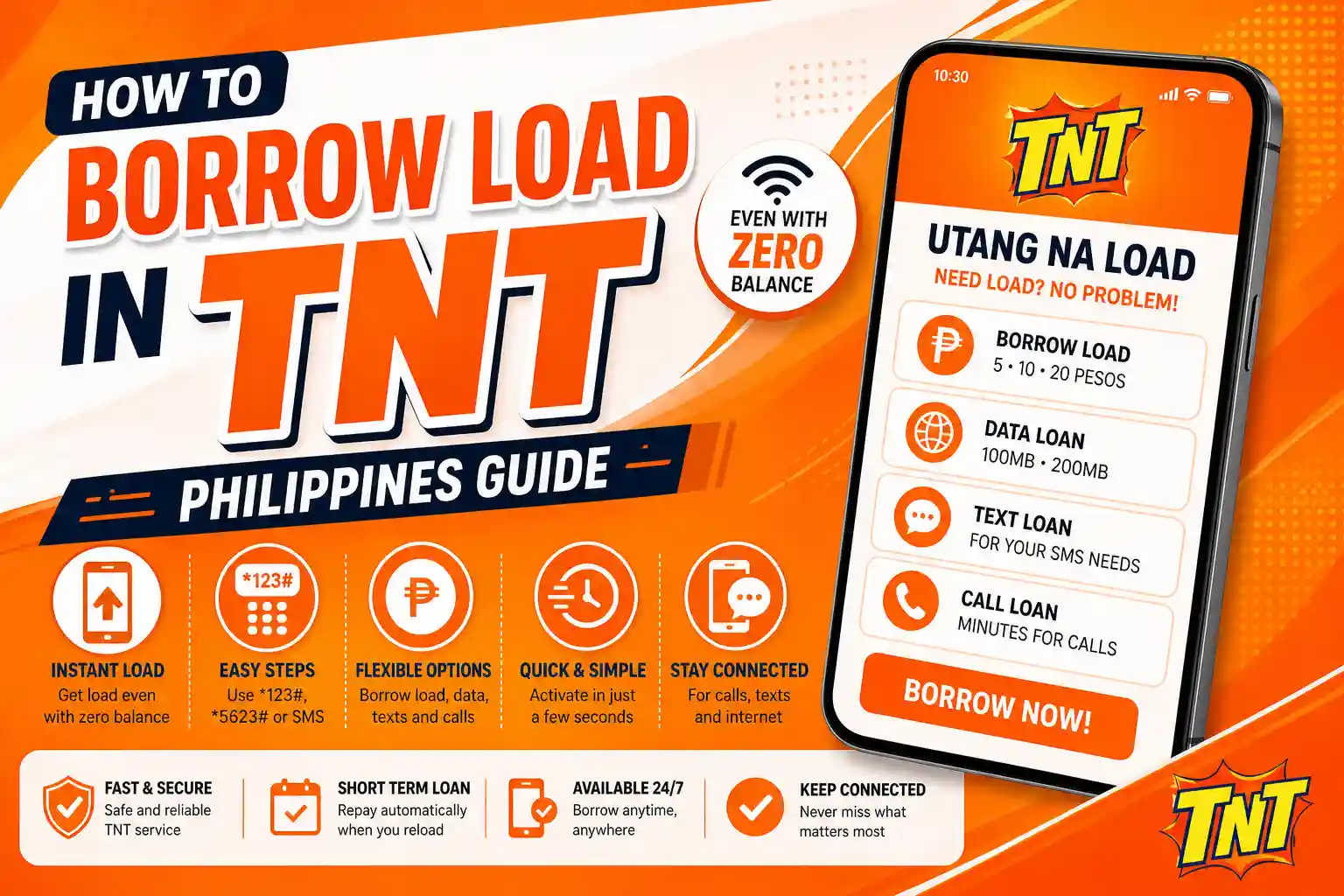
TNT Utang na Load interface on mobile device
Introduction
Running out of load at the wrong time is frustrating. You need to send a message. You need to make a call. You need internet access. But your balance is zero.
This is where TNT borrow load feature helps. TNT offers a service called Utang na Load. This allows users to get a temporary load even when the balance is empty.
This is not free. It is a short term credit. You must repay it when you reload your SIM.
This guide explains how to borrow loads in TNT step by step. It also explains eligibility limits, charges and common problems.
Related TNT Guides
- How to Pasaload TNT – Share load with friends and family easily
- TNT Customer Service – Get help from TNT support team
- TNT Roaming Activation – Use TNT SIM abroad
- TNT Promo – Best promos and data packages
- TNT Balance Inquiry – Check your load balance anytime
- TNT Surfsaya – Affordable data surfing plans
- How to Activate TNT SIM – Complete activation guide
What is TNT Utang na Load
TNT Utang na Load is a prepaid credit system. It allows users to borrow small amounts of load or data.
You can borrow:
- Regular load
- Mobile data
- Text packages
- Call minutes
The borrowed amount is deducted automatically when you reload your balance.
This system is part of Smart SOS Load service.
How to Borrow Load in TNT Using *123#
This is the main method used by most users.
Steps
- Dial *123#
- Wait for menu
- Select Bal Services
- Select Utang na Load
- Choose load type
- Confirm request
You will receive a confirmation message. Load will be added to your balance.
How to Borrow Load in TNT Using *5623#
This is an alternative method.
Steps
- Dial *5623#
- Wait for menu
- Select loan option
- Choose package
- Confirm
You will receive SMS once load is activated.
How to Borrow Load in TNT via SMS
You can also borrow load using SMS.
Steps
- Send SAKLOLOAD to 7676
You will receive options. Select the required package.
How to Borrow Load in TNT for Data
TNT also allows borrowing mobile data.
Steps
- Open Facebook app
- Tap Buy Data
- Select loan offer
- Confirm
This method works when data prompts appear.
Types of TNT Borrow Load Offers
TNT provides different options based on user activity.
Regular Load
- Small amount like 5 or 10 pesos
- Can be used for calls texts and data
Data Loan
- Packages like 100MB or 200MB
- Valid for limited time
Text Loan
- Few SMS for short duration
Call Loan
- Short call minutes for urgent use
How Much Load Can You Borrow in TNT
Borrow amount depends on your usage.
Typical range is:
- 5 pesos
- 10 pesos
- 20 pesos
Heavy users may get higher limits.
Eligibility for TNT Borrow Load
Not every user can borrow load.
Requirements
- SIM must be active
- SIM must be used regularly
- Balance must be low
- No unpaid loan
- SIM should be few weeks old
Why TNT Borrow Load Not Working
Many users face this issue.
Common reasons
- SIM is new
- Low usage
- Unpaid previous loan
- System rejection
- Network problem
If option is not showing you are not eligible.
How to Fix TNT Borrow Load Not Working
Follow these steps.
- Check your balance
- Restart your phone
- Dial correct code
- Wait and try again
If still not working then your SIM is not eligible.
TNT Borrow Load Charges
Borrow load is not free.
Example:
- Borrow 10 pesos
- Repay around 12 pesos
Exact charges depend on offer. Always check SMS before confirming.
How to Repay TNT Borrow Load
Repayment is automatic.
When you reload your SIM the system deducts:
- Borrowed amount
- Service fee
You can also repay early by sending PAY to 7676.
How to Check TNT Borrow Load Balance
To check loan status:
Send SAKLOLOAD BAL to 7676
You will receive details of your loan.
Common Mistakes Users Make
Many users create problems due to mistakes.
- Borrowing without checking balance
- Ignoring confirmation message
- Forgetting previous loan
- Clicking random prompts
These mistakes cause confusion and unexpected deductions.
Difference Between Borrow Load and Pasaload
Borrow load is loan from network. You must repay it.
Pasaload is transfer from another user. No repayment needed.
When to Use TNT Borrow Load
Use it only in emergency.
- Important call
- Urgent message
- Quick data need
Avoid using it daily.
Tips to Increase Borrow Load Limit
- Use your SIM regularly
- Reload frequently
- Avoid unpaid loans
- Stay active
This increases your eligibility.
Advantages of TNT Borrow Load
- Instant access
- No need to visit store
- Easy process
- Multiple options
Limitations of TNT Borrow Load
- Not available for all users
- Limited amount
- Service fee applied
- Repayment required
FAQs Based on Real Search Queries
how to borrow load in tnt fast
Dial *123# and select Utang na Load option to get instant load
how to borrow load in tnt using code
Use *123# or *5623# and follow menu steps
why cannot borrow load in tnt
Your SIM may not meet eligibility requirements or has unpaid loan
how much can i borrow load in tnt
Usually between 5 pesos to 20 pesos depending on usage
is tnt borrow load free
No it includes service fee which is deducted later
how to repay tnt borrow load
It is deducted automatically when you reload your SIM
how to borrow data in tnt
Use Facebook data prompt or dial *123# and select data loan
Conclusion
Now you understand how to borrow load in TNT completely. The process is simple. Dial code select option confirm and receive load.
But remember this is not free. It is a loan system. Always check charges and repay on time.
Use this feature only when needed. This helps you stay connected without balance.