TNT APN Settings 2026 Android and iPhone Full Internet Setup Guide
Complete step-by-step configuration to fix your TNT mobile data and get your internet working again in under 2 minutes.
Introduction
If your TNT mobile data is not working or your internet is slow then your APN settings are likely the main problem. Many users face this issue every day and most of them waste time trying random tricks that do not fix anything.
TNT works under Smart network so its internet configuration follows a simple structure. Once you apply the correct APN settings your connection will start working again without complicated steps.
This guide gives you the exact working TNT APN settings along with full setup instructions, troubleshooting fixes and advanced tips so you do not face this problem again.
What Is TNT APN Settings
APN stands for Access Point Name. It is the bridge between your mobile device and your network provider internet system.
Without correct APN settings your phone cannot connect to mobile data services properly.
This leads to:
- No internet connection
- Very slow speed
- Apps not loading
- LTE or 5G not working
Correct APN settings solve this problem instantly.
Why TNT APN Settings Are Important
Most users think mobile data works automatically. That is not always true.
APN settings control how your device connects to:
- Internet servers
- Network gateways
- Data routing systems
If APN is wrong then your phone cannot send or receive data properly.
This is why even with full signal your internet may not work.
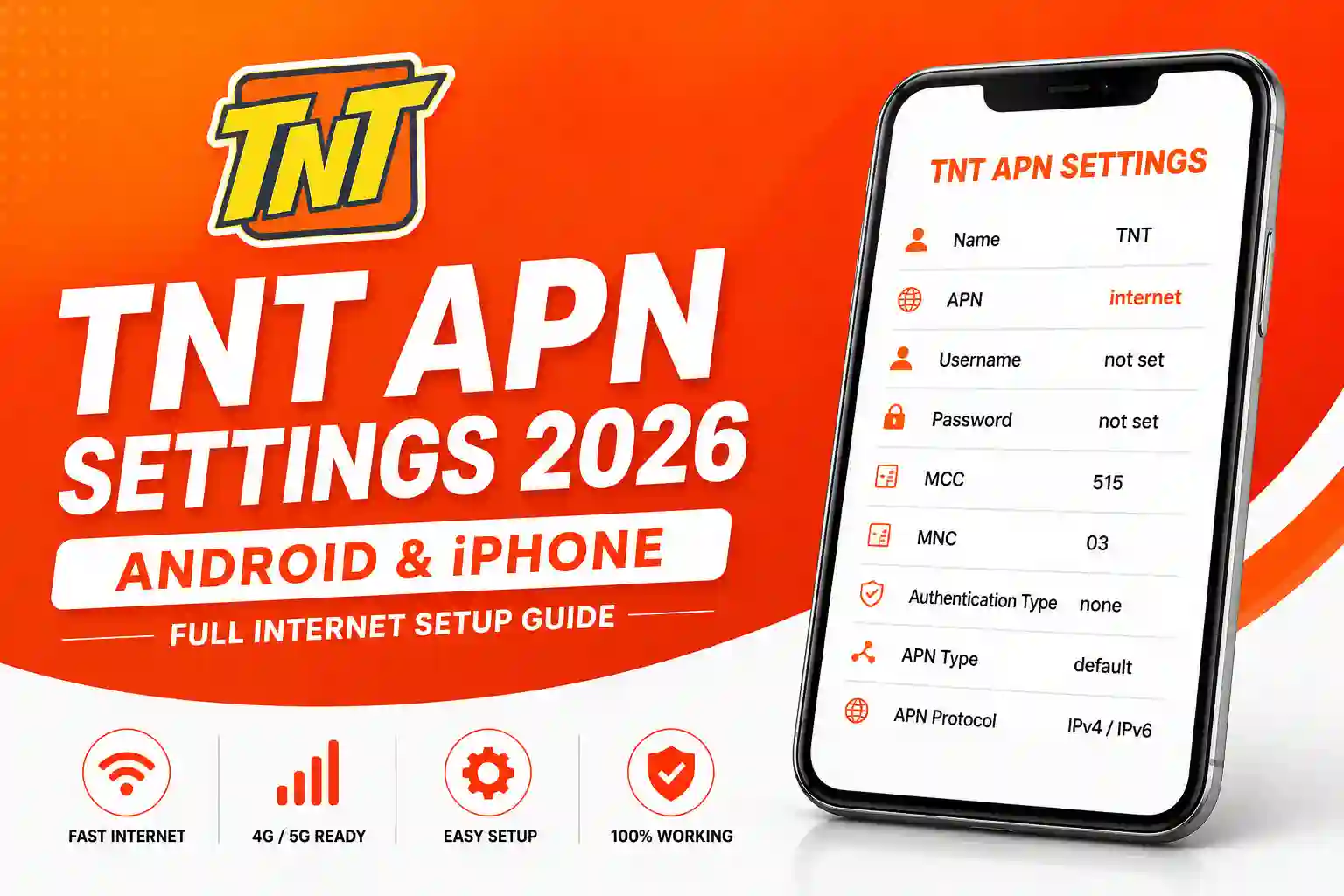
Official TNT APN Settings 2026
Use these exact values. Do not modify anything.
| Field | Value |
|---|---|
| Name | TNT |
| APN | internet |
| Username | not set |
| Password | not set |
| MCC | 515 |
| MNC | 03 |
| Authentication type | none |
| APN type | default |
| APN protocol | IPv4 or IPv6 |
Important: The most critical field is APN. It must be internet. If this is wrong then nothing will work.
TNT APN Settings Android Setup Guide
Android devices have slightly different menus but the process is the same.
Step by Step Setup
- Open Settings
- Tap Mobile Network
- Tap Access Point Names
- Tap Add New APN
- Enter all values correctly
- Tap Save
- Select the new APN
After saving do this:
- Turn mobile data off
- Wait few seconds
- Turn mobile data on
This refreshes the connection.
TNT APN Settings iPhone Setup Guide
iPhone users can also set APN manually.
Steps
- Open Settings
- Tap Cellular
- Tap Cellular Data Network
- Enter APN internet
- Leave username empty
- Leave password empty
- Go back and restart phone
After restart your mobile data should work.
TNT APN for LTE 4G and 5G
There is no separate APN for 4G or 5G.
Same setting works for all network types:
- APN internet
If your phone is not getting LTE or 5G then the issue is not APN.
Possible causes:
- Device does not support band
- Area has no coverage
- Network congestion
TNT Internet Not Working After APN Setup
This is where most guides fail. They only give settings but do not explain real problems.
If your internet is still not working then check these one by one.
1 No Active Promo
Mobile data requires active load or promo.
If you have zero balance then the internet will not work even with correct APN.
Check out the latest TNT promo offers to activate data.
2 Weak Signal
Signal strength directly affects connection.
Even a correct APN cannot fix poor network coverage.
3 Wrong APN Selected
Some users save APN but do not select it.
Always choose the new APN after saving.
4 Device Issue
Sometimes phone software causes problems.
Try restarting the device or updating the system.
5 Network Congestion
During peak hours speed drops due to heavy usage.
This is normal and cannot be fixed by APN.
TNT APN Reset Guide
If you tried multiple settings and nothing worked then reset everything.
Steps
- Go to APN settings
- Tap Reset to Default
- Create new APN again
- Save and select it
This clears hidden errors.
TNT APN Not Saving Fix
Some users report that APN does not save.
Here is how to fix it.
- Restart your phone
- Update software
- Remove SIM and insert again
- Try another SIM slot
If the problem continues then the device may be locked or restricted.
Need help? Contact TNT customer service for official support.
Does TNT APN Increase Internet Speed
No — This is a common myth.
APN does not increase speed.
It only connects your device to the network.
Speed depends on:
- Signal strength
- Network load
- Location
- Device capability
Ignore fake fast APN tricks online.
TNT APN for Gaming
Many users search for the best APN for gaming.
Here is the truth.
There is no special gaming APN.
Better gaming performance depends on:
- Stable connection
- Low latency network
- Strong signal
Changing APN will not reduce ping.
TNT APN for Unlimited Data
APN does not control your data plan.
If you want unlimited data you need active promo.
APN only allows connection.
It does not change your data limit.
Explore TNT SurfSaya promos for affordable unlimited data options.
TNT APN Settings for New SIM
New TNT SIM usually auto configures.
If it does not then follow manual setup.
After inserting SIM:
- Restart phone
- Activate promo
- Check APN settings
If the internet does not work then enter APN manually.
Make sure your SIM is properly activated before troubleshooting APN.
Common TNT APN Errors
Most users make simple mistakes.
Avoid these errors.
- Typing wrong APN
- Leaving spaces before or after text
- Not saving settings
- Using outdated guides
- Adding proxy or port values
Keep settings clean and simple.
Advanced Troubleshooting Guide
If basic fixes do not work then follow this deeper process.
Step 1 Reset Network Settings
Go to phone settings and reset the network.
This removes all saved connections.
Step 2 Test SIM in Another Phone
Insert your SIM in another device.
If the internet works then your phone is the problem.
Step 3 Check SIM Status
Make sure your SIM is registered and active.
Unregistered SIM may have limited services.
Step 4 Contact Customer Support
If everything fails then contact TNT support.
Get help from TNT customer service for unresolved issues.
TNT APN vs Smart APN
TNT uses Smart network.
So both use the same backend system.
This means:
- Same APN works
- Same network quality
- Same coverage
You can treat TNT APN as Smart APN.
When You Do Not Need APN Setup
In many cases you do not need to change APN.
Your phone auto configures settings.
Only change APN when:
- Internet not working
- Settings missing
- Network issues appear
Real User Problems and Fixes
Based on real user issues here are common cases.
Case 1 Internet Suddenly Stopped
Fix: Reset APN and restart phone
Case 2 Slow Internet Speed
Fix: Check signal and location
Case 3 No LTE Option
Fix: Check device compatibility
Case 4 APN Keeps Resetting
Fix: Update phone software
FAQs Section
Conclusion
TNT APN settings are simple but many users overcomplicate them. The correct setup takes less than one minute if done properly.
If your internet is not working then focus on correct APN, basic troubleshooting and network conditions. Do not follow fake tricks or outdated guides.
Once configured correctly your TNT data will work without issues and you will avoid future problems.
Planning to travel abroad? Don’t forget to activate TNT roaming before you leave.