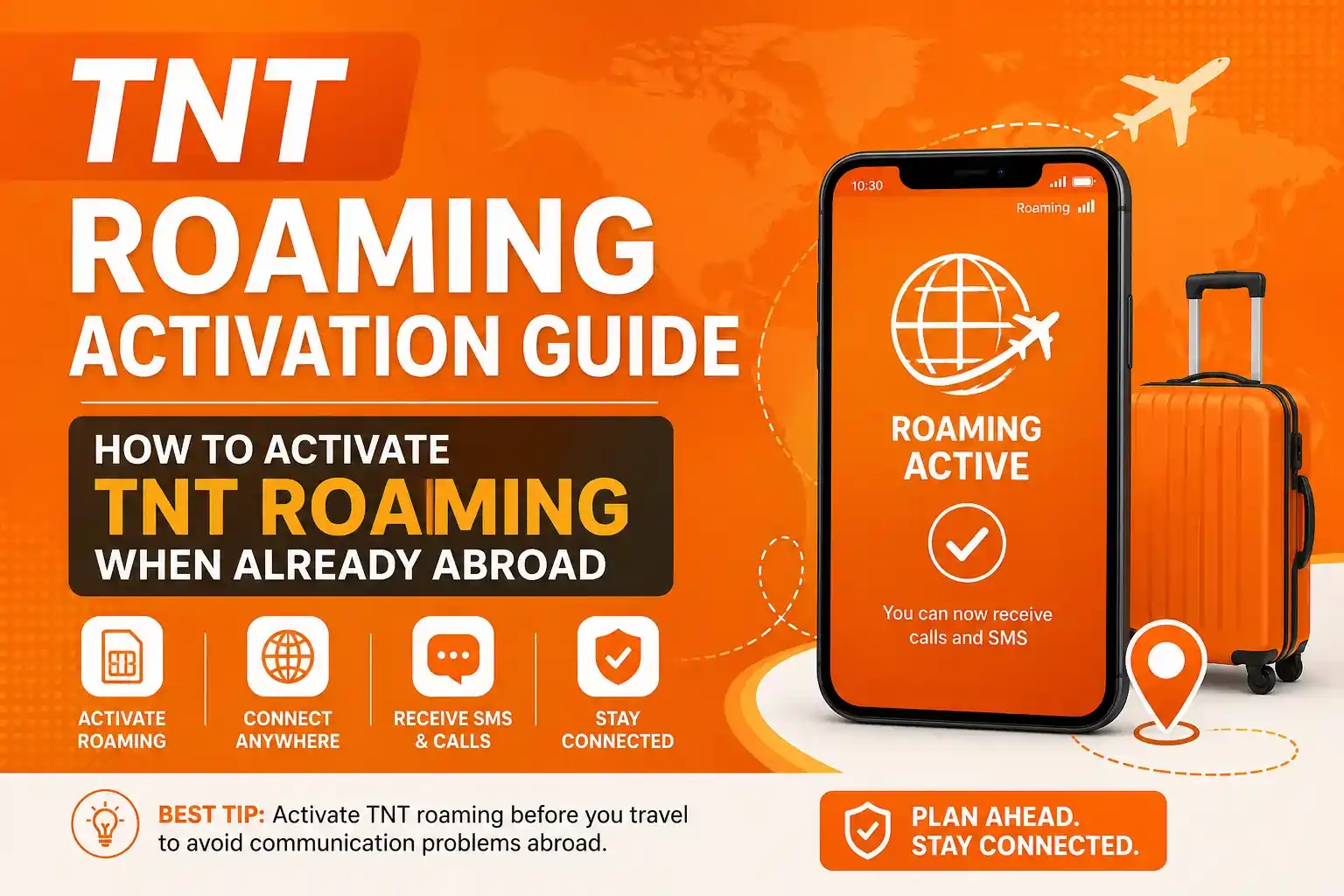
TNT Roaming Activation Guide How to Activate TNT Roaming When Already Abroad
TNT roaming becomes a real problem the moment you arrive in another country and your SIM shows no signal. This guide gives you a working solution.
Introduction
TNT roaming becomes a real problem the moment you arrive in another country and your SIM shows no signal. Many users expect their phone to work immediately after landing. That expectation is wrong and it leads to frustration.
TNT is powered by Smart Communications and follows a system that requires proper activation. Roaming is not always automatic. In most cases it must be enabled before you leave the Philippines.
This guide focuses on a very specific situation. You are already abroad and your TNT SIM is not working. You cannot receive messages or calls and you need a solution that actually works.
Understanding TNT Roaming
TNT roaming allows your SIM to connect to telecom networks outside the Philippines. This connection is made through partner networks that work with Smart Communications.
Once roaming is active your SIM can perform basic functions. You can receive SMS. You can receive calls. In some cases you can also send messages and use data.
For most users the main purpose of roaming is simple. They want to receive OTP messages from banks or apps. Without roaming your number becomes inactive outside the country.
The Main Reason Roaming Fails
The biggest mistake is not activating roaming before travel.
TNT requires users to enable roaming while still inside the Philippines. This is done by sending a simple command or using official channels.
If this step is skipped then the SIM may not connect to any network abroad. Once you leave the country the process becomes harder.
This is why so many users search for solutions after landing. They realize their SIM is not working and they need immediate help.
Can You Activate TNT Roaming When Already Abroad
Yes but only under certain conditions.
If your SIM can still detect a foreign network then activation is possible. If your phone shows signal bars or network names then you have a chance.
If your phone shows no service at all then your options become limited. You cannot send SMS and you cannot access network based services.
In that case activation must be done through support or external help.
Step One Try Manual Network Selection
Before trying anything else you must check if your SIM can connect to a network.
- Open your phone settings
- Go to mobile network
- Select network operators
- Turn off automatic selection
- Scan for available networks
- Choose one manually
This step is critical. Many phones fail to connect automatically. When you select a network manually your SIM may suddenly gain signal.
If this works you are now in a much better position.
Step Two Send Roaming Activation SMS
If your SIM shows signal try sending the activation command.
If your SIM is connected to a partner network this command may activate roaming.
You should receive a confirmation message. Once confirmed your SIM will start working for incoming messages and calls.
If you do not receive any response then the activation did not go through.
Step Three Contact Smart Support
If SMS activation fails your next step is support.
You must contact Smart Communications directly. They have the ability to activate roaming from their system.
You can reach support through:
- Official website chat
- Facebook page
- Email support
- International hotline
Explain your situation clearly. Tell them you are abroad and your SIM has no roaming service.
Support can check your account and enable roaming remotely.
Step Four Use Social Media for Faster Response
Many users overlook this method.
Smart is active on social platforms. Their support team responds to messages on Facebook and Twitter.
In some cases this method is faster than calling or emailing.
Send a message with your number and issue. Be clear and direct.
Step Five Check Your Phone
Sometimes the problem is not roaming. It is your device.
Insert your TNT SIM into another phone.
If the SIM works in another phone then your device has compatibility issues.
If it still does not work then roaming is not activated.
This simple test can save you time.
Step Six Ask Someone in the Philippines to Help
If you cannot fix the issue yourself you need help from someone in the Philippines.
Ask a trusted person to contact Smart support on your behalf.
They can call customer service or visit a Smart store. They can request roaming activation using your number.
Provide them with all necessary details.
This method works because they are inside the network environment where activation is easier.
Why TNT Roaming Does Not Work Abroad
No prior activation
This is the most common reason.
No network connection
If your SIM cannot connect to any partner network then activation fails.
Insufficient load
Roaming requires balance in your SIM. Without load some services may not activate.
Device limitations
Some phones do not support all network frequencies.
SIM restrictions
Older SIM cards may not support roaming features properly.
What You Should Not Do
Do not keep restarting your phone repeatedly without trying manual network selection.
Do not assume roaming will activate automatically after some time.
Do not try random codes found online without proper network connection.
These actions waste time and do not solve the problem.
Practical Workaround While Waiting
If roaming is not urgent you should not rely on it completely.
Buy a local SIM in your current country. This will give you immediate internet access.
Use WiFi for communication apps like WhatsApp or Messenger.
Roaming is mainly useful for receiving important messages. It is not ideal for daily internet use.
Cost Awareness
Roaming services are expensive.
Calls are charged per minute. Messages have separate charges. Data usage can be very costly.
Avoid turning on mobile data unless you have a roaming package.
Smart Prevention Strategy
The best solution is prevention.
Before traveling always activate roaming.
Send the activation command. Make sure you have load. Test your SIM before your flight.
Check if you receive messages. Confirm everything works.
This simple preparation saves you from all the issues discussed in this guide.
FAQ How to Activate TNT Roaming When Already Abroad
Yes but only if your SIM can connect to a partner network or you contact support.
Because roaming was not activated or your phone is not connected to a network.
No it only works if your SIM has signal.
Yes Smart support can enable roaming from their system.
You must activate roaming through support or use alternative verification methods.
Final Conclusion
TNT roaming is simple when done correctly and frustrating when ignored. The system depends on proper activation before travel.
If you are already abroad your options depend on whether your SIM can connect to a network. If it can then you can activate roaming using SMS or settings. If it cannot then you must rely on support or external help.
The key is to act logically. Do not guess. Follow the steps in order. Check network connection. Try activation. Contact support if needed.
Next time avoid this situation by activating roaming before leaving the Philippines.
That is the difference between a smooth experience and a complete communication failure.
More TNT Guides & Resources
Explore more helpful TNT articles:
TNT PROMO — Latest promos and data offers
TNT Balance Inquiry — Quick ways to check your load
How to Activate TNT SIM — Step-by-step activation guide
Extended FAQs
Text ROAM ON to 333. This activates roaming services on your TNT SIM. You must have signal to receive the confirmation message.
No SMS activation requires signal. Without signal you must contact Smart support through their website chat Facebook email or international hotline to request remote activation.
Go to your phone Settings Mobile Network Network Operators. Turn off automatic selection scan for available networks and manually choose a partner network in your current country.
Yes roaming requires sufficient load balance in your SIM. Without load some roaming services may not activate or work properly.
Yes a trusted person in the Philippines can call Smart customer service or visit a Smart store to request roaming activation on your behalf using your TNT number.
Yes roaming services are expensive. Calls are charged per minute messages have separate charges and data usage can be very costly. Avoid using mobile data without a roaming package.
Try inserting your SIM into another phone to rule out device issues. If it still doesn’t work contact Smart support immediately for remote troubleshooting and account verification.